Configuration: User and Warehouse
There is a screen available to change the active employee on the PDA and the working warehouse:
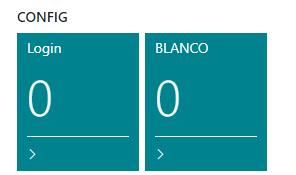
This screen allows switching the active user, for example during a shift change:
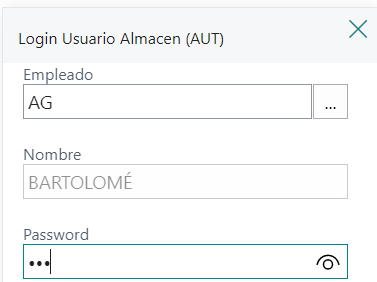
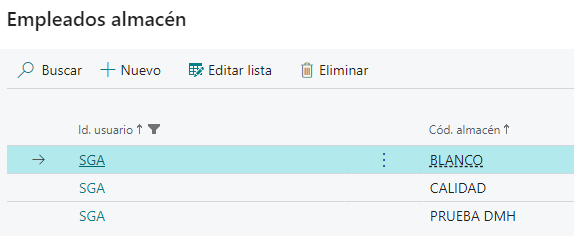
Additionally, it enables selection of the warehouse among those configured for that employee under "Employee Warehouse":
Allowed Operations (Global and Warehouse-specific)
In addition to selecting the active employee and the working warehouse,
iDynamics Advanced Warehouse allows defining which operations each user can perform in the mobile application.
This configuration is managed from Business Central on the User Setup (log) page.
Global Allowed Operations (per User)
In AWA Allowed Operations, you define the operations the user can perform in all warehouses, as long as the user has access to them.
📍 Navigation path
General → User Setup (log)

Access to User Setup (log) from the General tab.
These operations determine which actions are enabled on the mobile device (PDA):
Receipts, Picking, Shipments, Internal Movements, Inventory Lookup, etc.
The Edit button opens the detailed card for the selected record in the AWA Allowed Operations list.
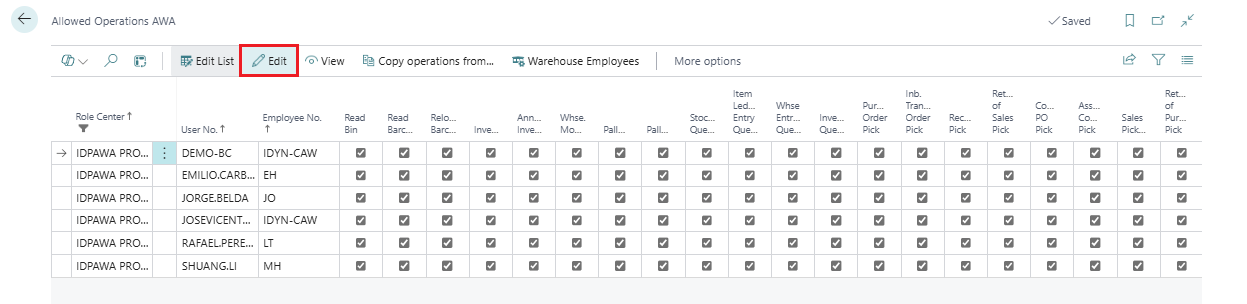
Edit button in the AWA Allowed Operations list.
The Allowed Operations card shows the full permission configuration for a specific iDynamics Warehouse user.
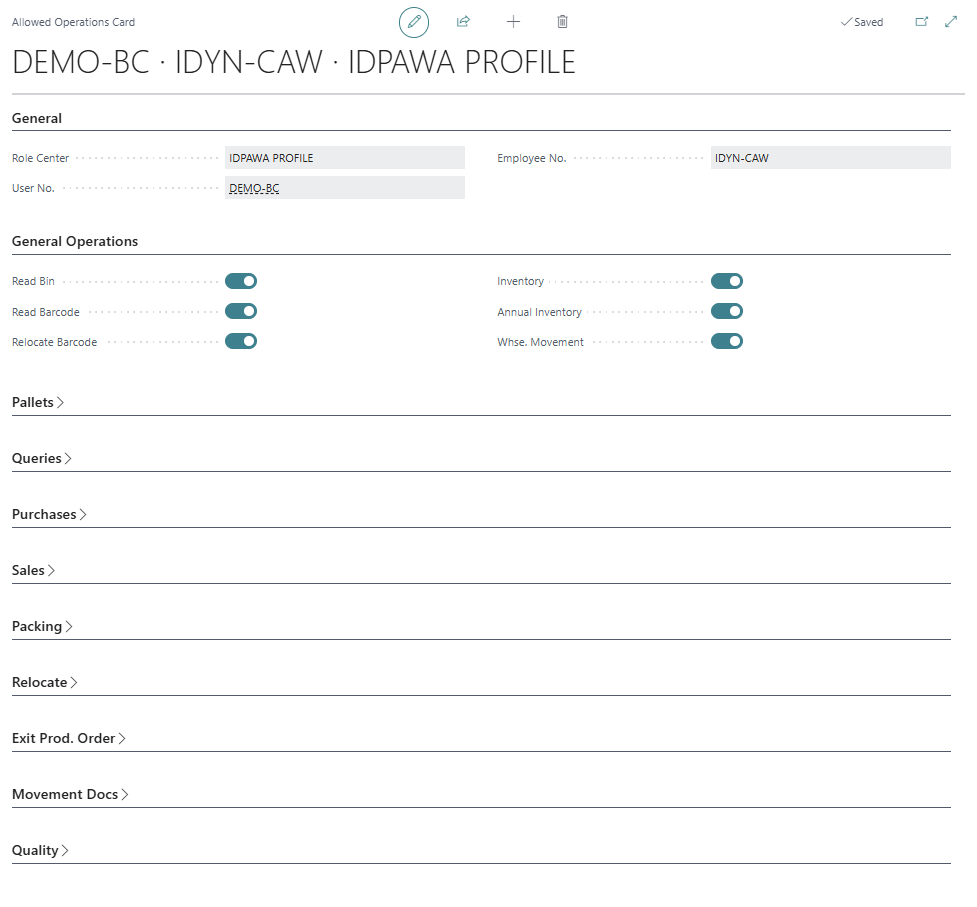
Allowed Operations card: detailed permission setup per user.
Allowed operations per warehouse
Feature introduced in version 26.2
Starting from version 26.2, it is possible to define warehouse-specific operations.
These settings take priority over the user’s global allowed operations.
📍 Navigation path
General → User Setup (log) → AWA Allowed Operations → Operations by Warehouse
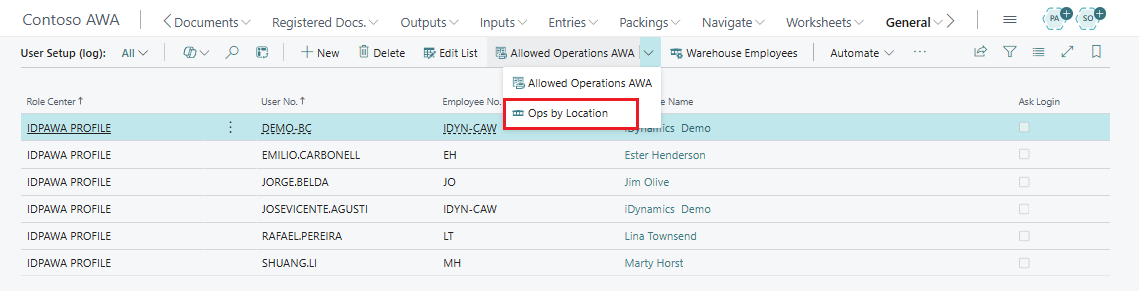
New “Operations by Warehouse” option inside AWA Allowed Operations.
It allows defining specific operations per warehouse, overriding the global ones.
How it works
- If no warehouse-specific operations are defined → global operations apply.
- If warehouse-specific operations are defined → they replace the global ones.
- A user can have different permissions depending on the warehouse where they work.
Practical Example
User DEMO-BC has the following global permissions:
- Receipts
- Inventory Lookup
In warehouse WHITE, the following specific permissions are configured:
- Inventory Lookup only
Result
- When working in WHITE → the user can only perform Inventory Lookup.
- In all other warehouses → the user can perform Receipts + Inventory Lookup.
This feature allows adapting each user’s operations to the specific needs of each warehouse, improving security, control, and logistics flow management.