Using Document Discounts
Description
The Document Discount settlement type allows a rebate to be generated and immediately settled as a discount directly within the sales document that originated it, without the need for a separate settlement process.
This is especially useful when you want the customer to benefit from the rebate right away, at the time of the sale, instead of waiting for a later settlement run.
The settlement method is configured within the settlement group and then set in the rate.

When you post the sales document, the discount lines will be created automatically; you can view them in the posted document. Additionally, if you want to review the discount lines or even edit their descriptions, you can do so by releasing the document or using the “Apply Rebate Discounts” action. Lines with edited descriptions are retained in the posted document.
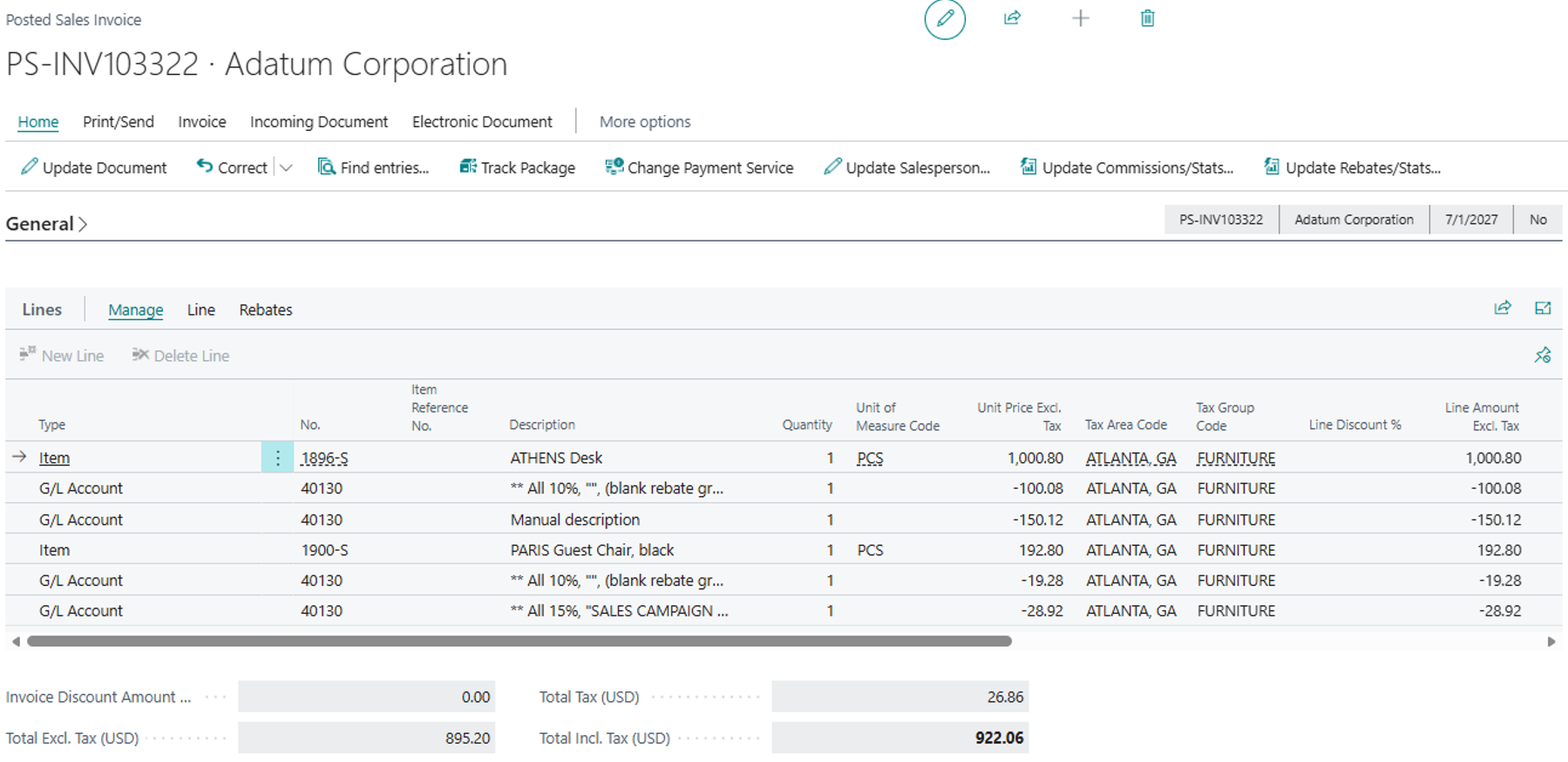
Finally, you can verify that this discount generates a rebate that has been automatically settled, ensuring a history of rebates and their traceability.
