What's new – iDynamics Advanced Warehouse
Version 26.6
- It is now possible to define different packing bins directly in the warehouse shipment, in addition to the existing configuration on the Location Card.
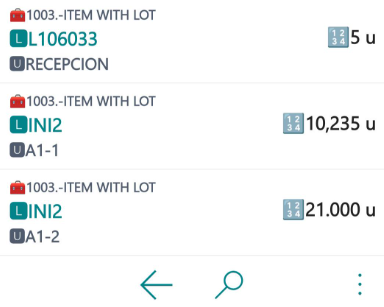
- Quantities on PDA operation screens (for example, Relocate) are now displayed with decimals and with the first letter of the unit of measure:
Published: February 02, 2026
Version 26.5
- Now it is possible to decode any GS1-128 code.
- Excludes "Non-Inventory" items in the loading of production order components
- When a valid GS1-128 code with the pallet identifier is scanned during pallet reception, the system will decode it and automatically create the pallet.
Published: January 13, 2026
Version 26.4
Separate Lot and Serial
It is now possible to separate lot and serial numbers on the warehouse management screens used by employees. Separate Lot and Serial
Improvements when working with GLN grouping
If you work with GLN grouping, when creating a sales line it is initialized with the header value. In addition, it allows updating the lines when the header is changed. GLN grouping
Expedition labels with transfer orders
The expedition label is now compatible with transfer orders. Expedition Label
More events to customize the loading of production order components
New events to allow customization of field calculations displayed on the screen. New events
Published: December 22, 2025
Version 26.3
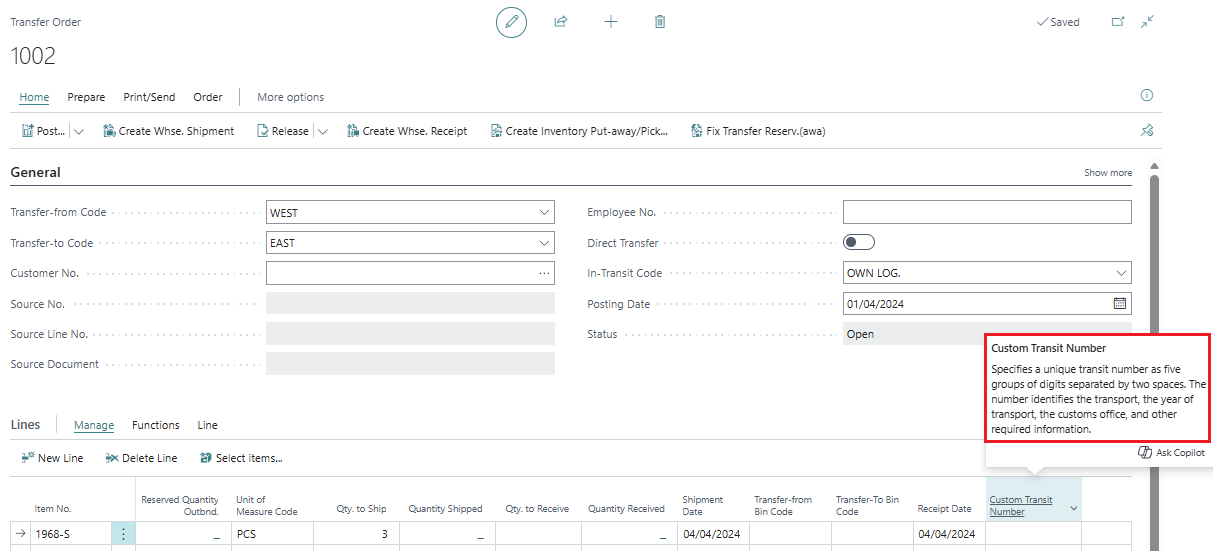
New Field: Transfer from Pallet – Mandatory pallet selection in transfer pickings
It is now possible to specify the exact pallet that must be used in a transfer picking directly from the Transfer Order Lines.
A new field has been added: “Transfer from Pallet”.
When this field is filled in:
- The pallet is automatically transferred to the picking.
- The picking forces the use of that specific pallet.
- Full traceability of the shipped package is guaranteed.
Search button improvement
When searching using the magnifying glass search button, the system now takes into account whether a pallet exists, for example in packing or receipt picking:
Published: December 2, 2025
Version 26.2
Allowed operations per warehouse
It is now possible to define warehouse-specific operations for each employee.
Allowed operations per warehouse
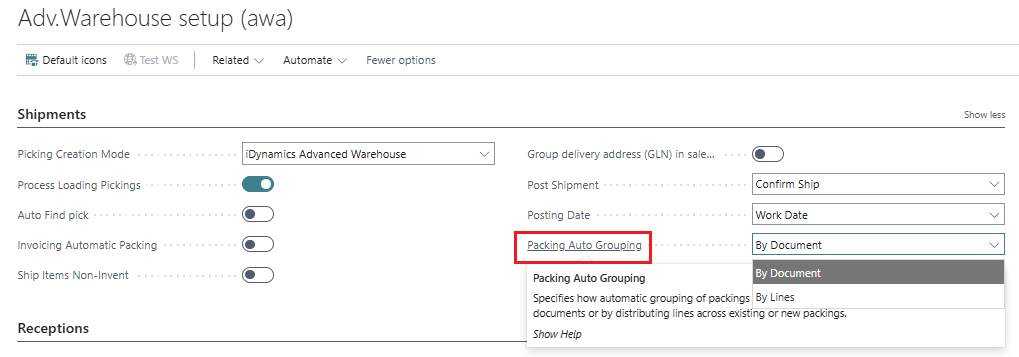
Automatic grouping of packings by lines
There are now two modes to automatically group packings:
- By document: works as before and combines the entire document into a single packing
- By line: distributes the lines across existing packings or creates new ones
Published: November, 17 2025
Version 26.1
Create Picking Using the Standard BC Process from Warehouse Shipment
It is now possible to create the picking using the standard Business Central process directly from the Warehouse Shipment, while still respecting the grouping logic defined by iDynamics Advanced Warehouse.
In Advanced Warehouse Setup, a new field Picking Creation Mode allows choosing between:
- iDynamics Advanced Warehouse (iDynamics native mode)
- Standard BC Process
When using the standard BC process:
- Shipment configuration is respected:
- Group Pickings (e.g., by Zone)
- Assigned Employee
- The standard creation dialog opens with:
- “Do not fill Qty. to Handle” enabled by default
- Only available in warehouses configured as WMS.
👉 See the full outbound picking flow:
Create picking using the standard process from Warehouse Shipment
Published: October 15, 2025
Version 25.4
Improvements in AWA Inventory Query
Performance and usability enhancements have been added to Inventory Query (AWA).
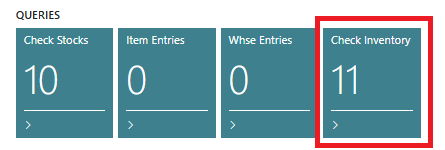
A new configuration field “Manual Load in Inventory Query” has been added.
When enabled, the page opens empty and data is only loaded when the user triggers the action—avoiding automatic loading with large datasets.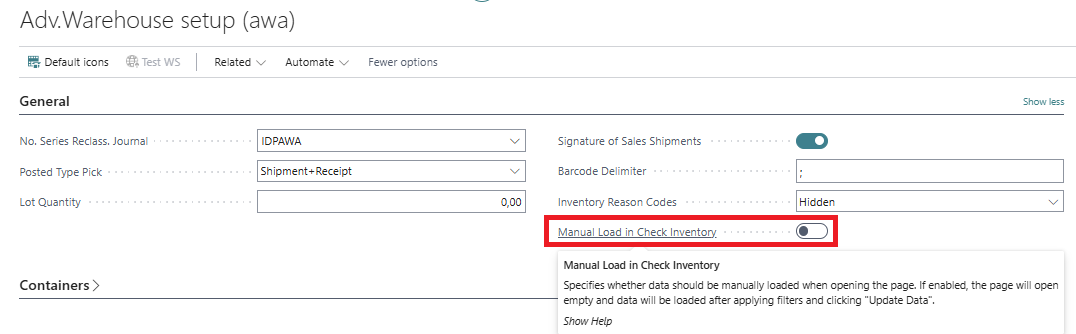
Only records that meet the applied filters are now inserted
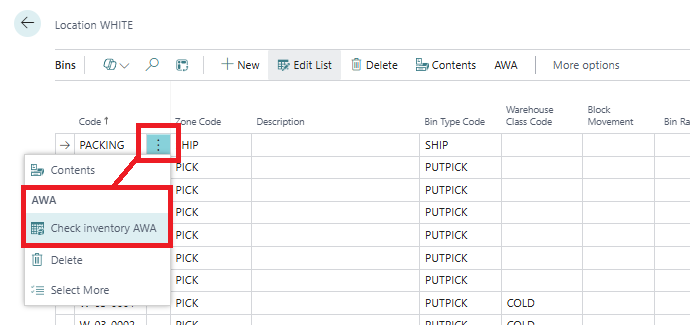
(previously, all records were inserted).Contextual navigation to Inventory Query (AWA) is now available from:
- Items
- Warehouses
- Zones
- Bins
The page opens automatically prefiltered according to the source.
Published: September 23, 2025
Version 25.2
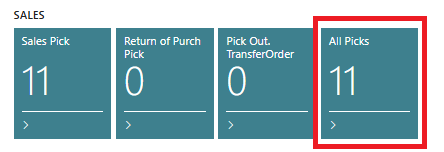
New Activity Tile: All Pickings
A new activity tile “All Pickings” has been added:
- It groups all picking types in a single view (sales, purchases, transfers, returns, etc.).
- Provides a global overview of warehouse workload.
Published: September 9, 2025
Version 25.1
Shipment Signature
The shipment-signing functionality has been expanded:
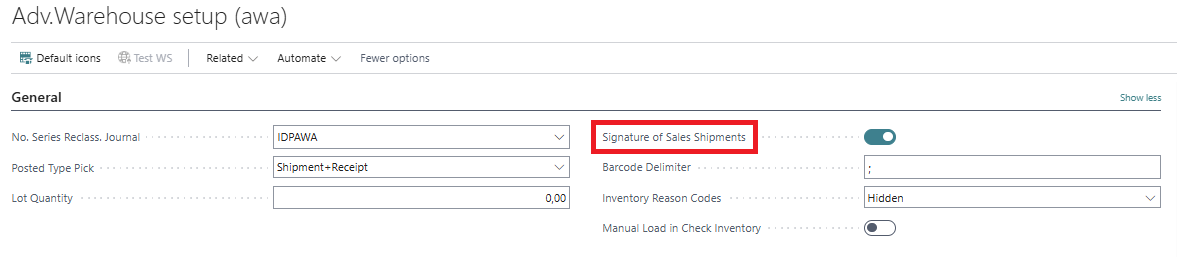
- The activation checkbox already existed in Advanced Warehouse Setup, but its use has been extended.
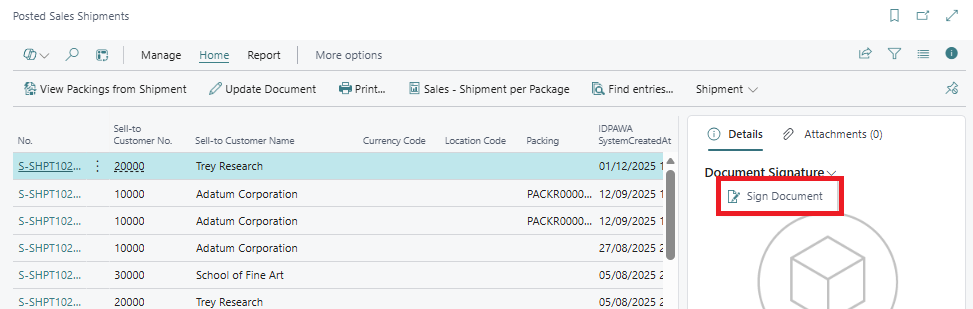
- Users can now sign from the mobile app (Tablet) and from Posted Sales Shipments in Business Central.
Activation in configuration:
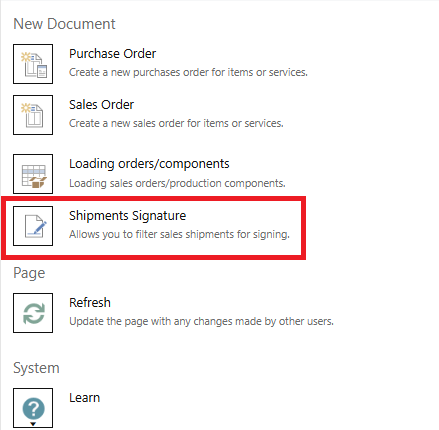
Access from the tablet app menu: Sign Sales Shipment
Sign directly from Posted Sales Shipments in BC:
Tablet Mode Compatibility
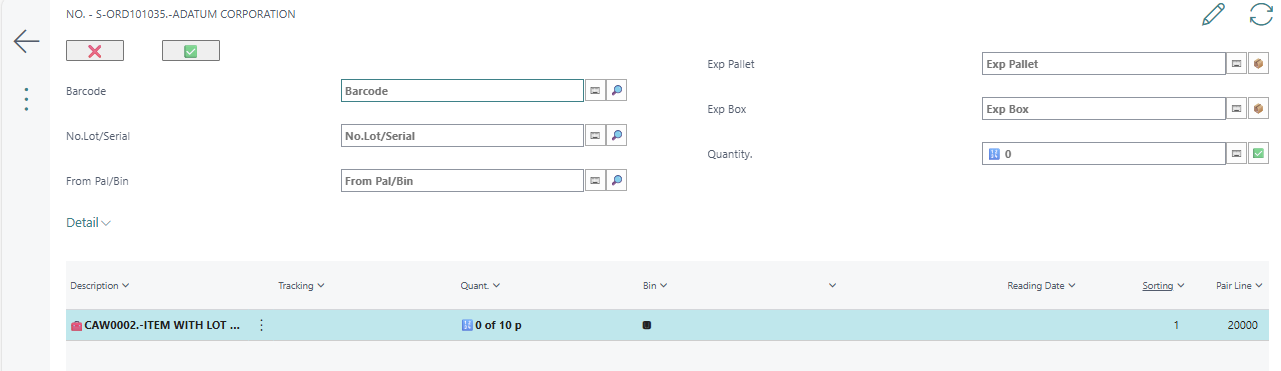
Mobile app pages have been adapted for improved usability in Tablet mode.
Published: May 28, 2025
Version 25.0
Improvements in Allowed Operations
The Allowed Operations page has been enhanced:
- New column layout
- More intuitive grouping of actions
- Better usability in scenarios with many permissions
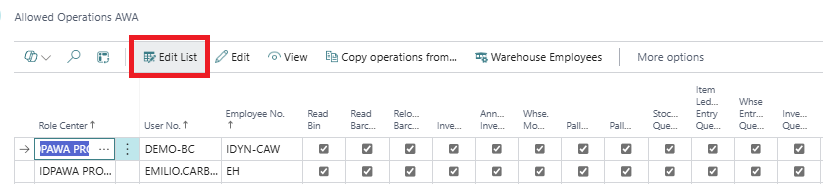
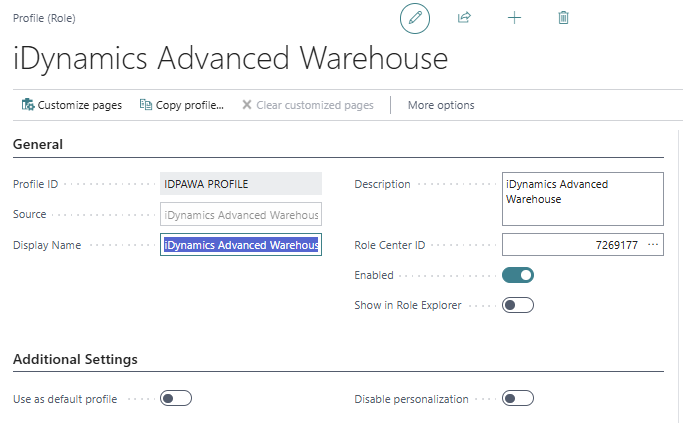
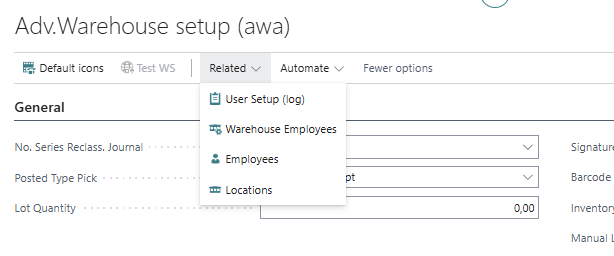
Additionally, shortcuts to related pages (users, employees, warehouses) have been added directly in Advanced Warehouse Setup:
Published: April 23, 2025
Version 24.3
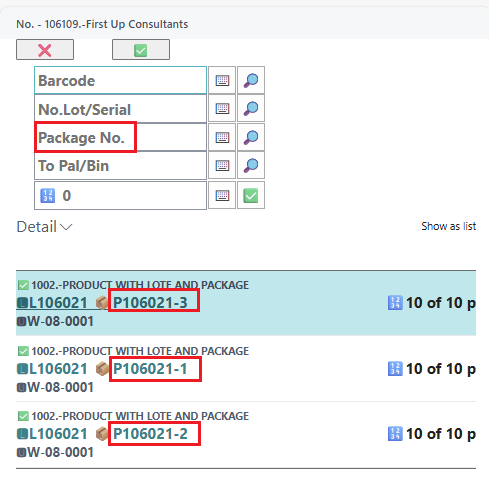
Compatibility with Standard Business Central Package Tracking
This version improves and consolidates compatibility with standard package tracking (Package No.) in Business Central.
Published: January 23, 2025
Version 0.9 (Beta)
(Initial release of iDynamics Advanced Warehouse documentation.)
Published: October, 1 2023